Ignore Check
Explain which Git ignore rule matches a path.
Use it when: Debug an unexpectedly ignored file.
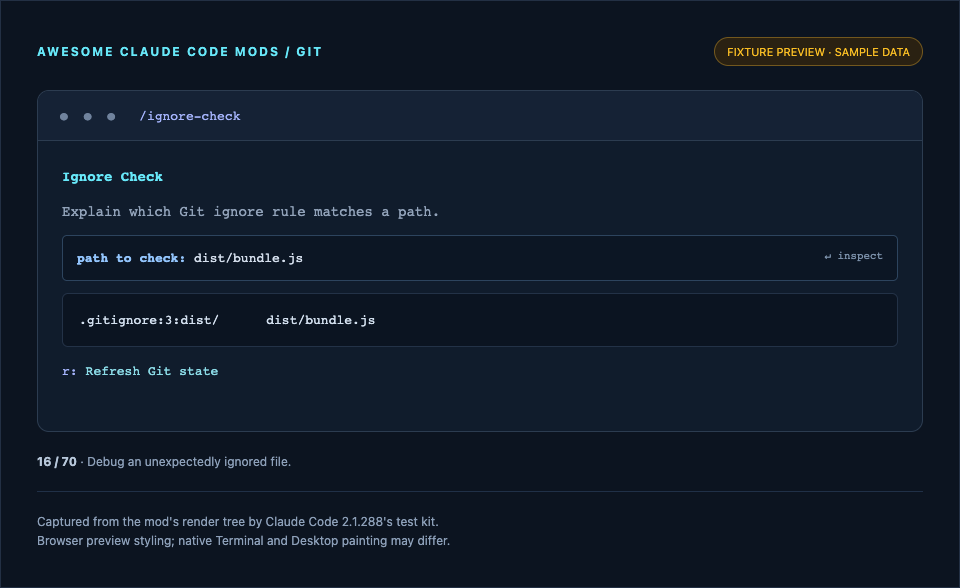
Screenshot of this mod's render tree in the fixture preview, with sample data. This is not a capture of the Claude Code application. How previews are made.
Install and open
claude plugin marketplace add whyashthakker/awesome-claude-code-mods
claude plugin install ignore-check@awesome-claude-code-mods
Run /reload-plugins in an existing session, then /ignore-check. Use Tab and Enter to operate controls; Esc closes the pane. Terminal and Desktop Code tab supported; pane UI is unavailable in claude -p and the VS Code chat panel.
Try the source without installing:
claude --plugin-dir ./mods/ignore-check
Example: open /ignore-check and enter dist/bundle.js in its input.
Access and behavior
Runs read-only Git commands only when opened or refreshed. Git must be on PATH. No network, writes, or persistence.
Module variables reset on hot reload. All display output is bounded; viewers may truncate long content to 9,000 characters. Relative file paths and Git commands use the session working directory.
Verify
Tested with Claude Code 2.1.288. Minimum documented mods version: 2.1.287. The API can change; validate against your installed version.
claude plugin validate mods/ignore-check --strict
claude plugin test mods/ignore-check
Tests cover plugin commands, pane isolation, both UI surfaces, and the behavior described in tests/register.test.ts. Drawing tests validate element trees; they do not verify pixels painted by the native apps. Validation details.
MIT licensed. No runtime packages or build step required.