Log Viewer
Show the last 60 lines of a small local log with an optional filter.
Use it when: Inspect a development log on demand.
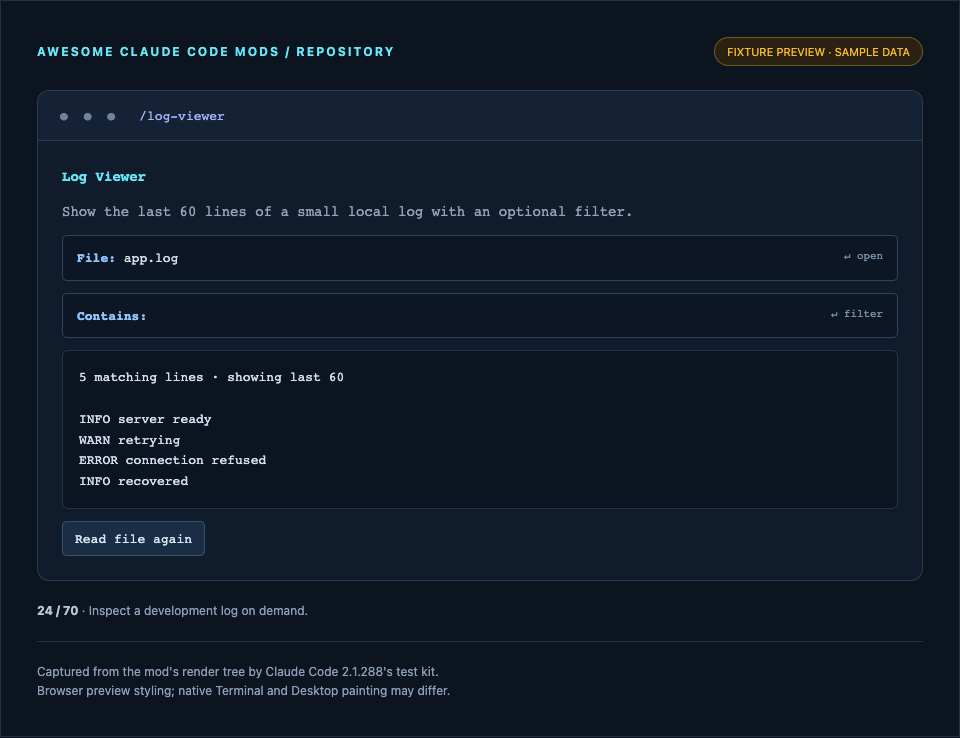
Screenshot of this mod's render tree in the fixture preview, with sample data. This is not a capture of the Claude Code application. How previews are made.
Install and open
claude plugin marketplace add whyashthakker/awesome-claude-code-mods
claude plugin install log-viewer@awesome-claude-code-mods
Run /reload-plugins in an existing session, then /log-viewer. Use Tab and Enter to operate controls; Esc closes the pane. Terminal and Desktop Code tab supported; pane UI is unavailable in claude -p and the VS Code chat panel.
Try the source without installing:
claude --plugin-dir ./mods/log-viewer
Example: open /log-viewer and enter app.log in its input.
Access and behavior
Reads the chosen file (up to 256 KiB) on request. No writes, processes, network, or persistence.
Module variables reset on hot reload. All display output is bounded; viewers may truncate long content to 9,000 characters. Relative file paths and Git commands use the session working directory.
Verify
Tested with Claude Code 2.1.288. Minimum documented mods version: 2.1.287. The API can change; validate against your installed version.
claude plugin validate mods/log-viewer --strict
claude plugin test mods/log-viewer
Tests cover plugin commands, pane isolation, both UI surfaces, and the behavior described in tests/register.test.ts. Drawing tests validate element trees; they do not verify pixels painted by the native apps. Validation details.
MIT licensed. No runtime packages or build step required.